A chatbot answers questions. An agent does the work. These are the 5 ways to run one, ranked by how much trust each level takes, with the exact setup for every level plus the folder structure and skill design rules underneath. Most people jump straight to level 5. Start with one task you already do every week instead.
→Way 1, manual: you run it yourself. Claude Code plus a skill file.
→Way 2, scheduled: cron or a cloud Routine fires it while you sleep.
→Way 3, event-driven: a watcher script wakes it the moment something happens.
→Way 4, always-on: a daemon on a VPS or a spare mac mini, watching around the clock.
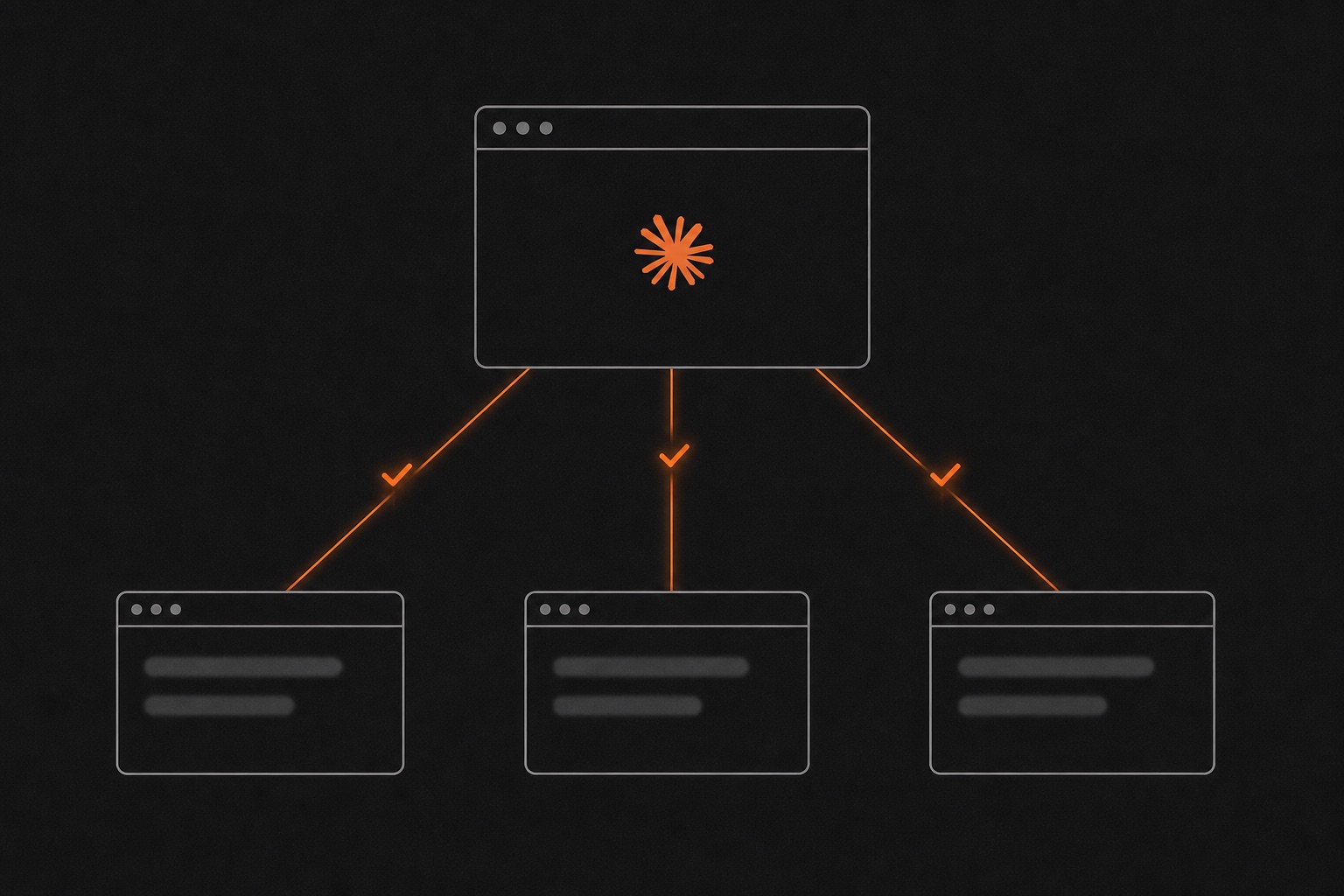
→Way 5, multi-agent: one orchestrator handing work to specialist agents. The level people grab first.
→Plus the .claude/ folder structure and the 2 skill design rules that make every level work.
🔒Get the full build
The copy-paste setup for all 5 levels, plus the folder structure and design rules behind them. Yours immediately.
Join 3,000+ builders already getting this. No spam.
THE FULL BUILD — 8 STEPS
00
Install Claude Code first
Every level below runs on Claude Code, Anthropic's terminal app. One install covers mac, Windows and Linux. You need Node 18+ and a Claude account. After installing, cd into any folder and type claude. That folder becomes your agent's workspace, and the table shows how far up the ladder you actually need to go.
Level
It runs when
Build time
01 Manual
you type the command
10 min
02 Scheduled
the clock says so
15 min
03 Event-driven
something happens
30 min
04 Always-on
always
an afternoon
05 Multi-agent
an orchestrator delegates
days, and most people never need it
npm install -g @anthropic-ai/claude-code
cd ~/my-agent && claude
Anthropic's own guidance after two years of watching teams deploy agents: find the simplest setup that works and only add complexity when something breaks.
01
Level 1: you run it yourself
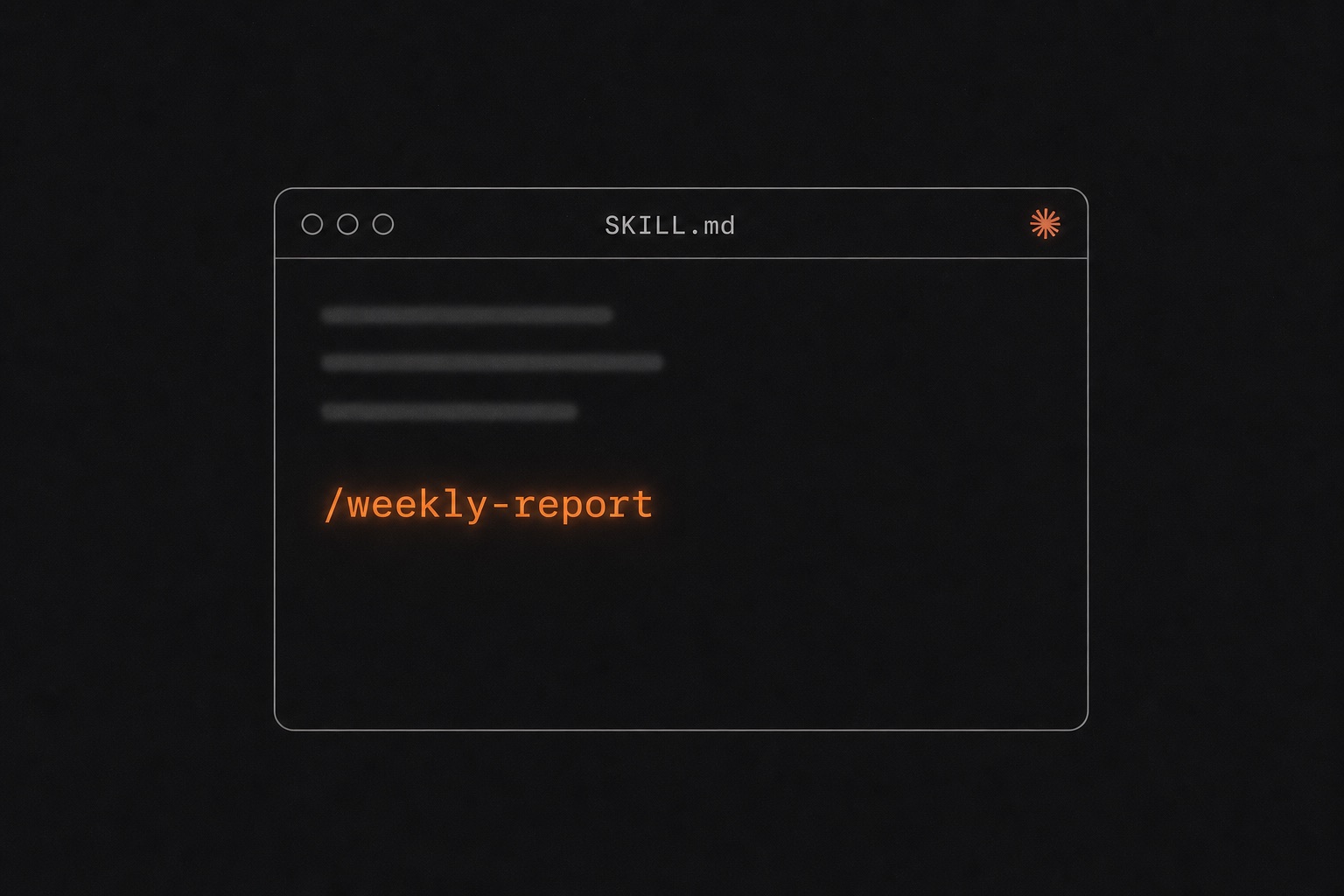
One saved skill you call by name. No schedule, no trigger. Every agent should start here, because the skill file is the atom every later level reuses. Create a SKILL.md inside .claude/skills/<name>/ for one project, or ~/.claude/skills/<name>/ to use it everywhere. Two frontmatter lines matter: the name, and a description written like a trigger. Claude reads that description to decide when to load the skill on its own, so "pulls this week's Stripe numbers and drafts my Monday update" gets auto-triggered while "helper for reports" never fires. Invoke it with /weekly-report, or let Claude reach for it when a task matches.
# ~/.claude/skills/weekly-report/SKILL.md
---
name: weekly-report
description: Pull this week's numbers and draft my Monday update
---
Query Stripe for the week's revenue, read the support inbox,
and draft the update in my voice. Flag anything unusual.
A skill costs Claude a few dozen tokens until it actually loads, so a library of small sharp skills stays cheap. A 47,000-skill audit found 2 to 3 focused skills beat one giant do-everything skill, which actually made results worse.
02
Level 2: it runs while you sleep
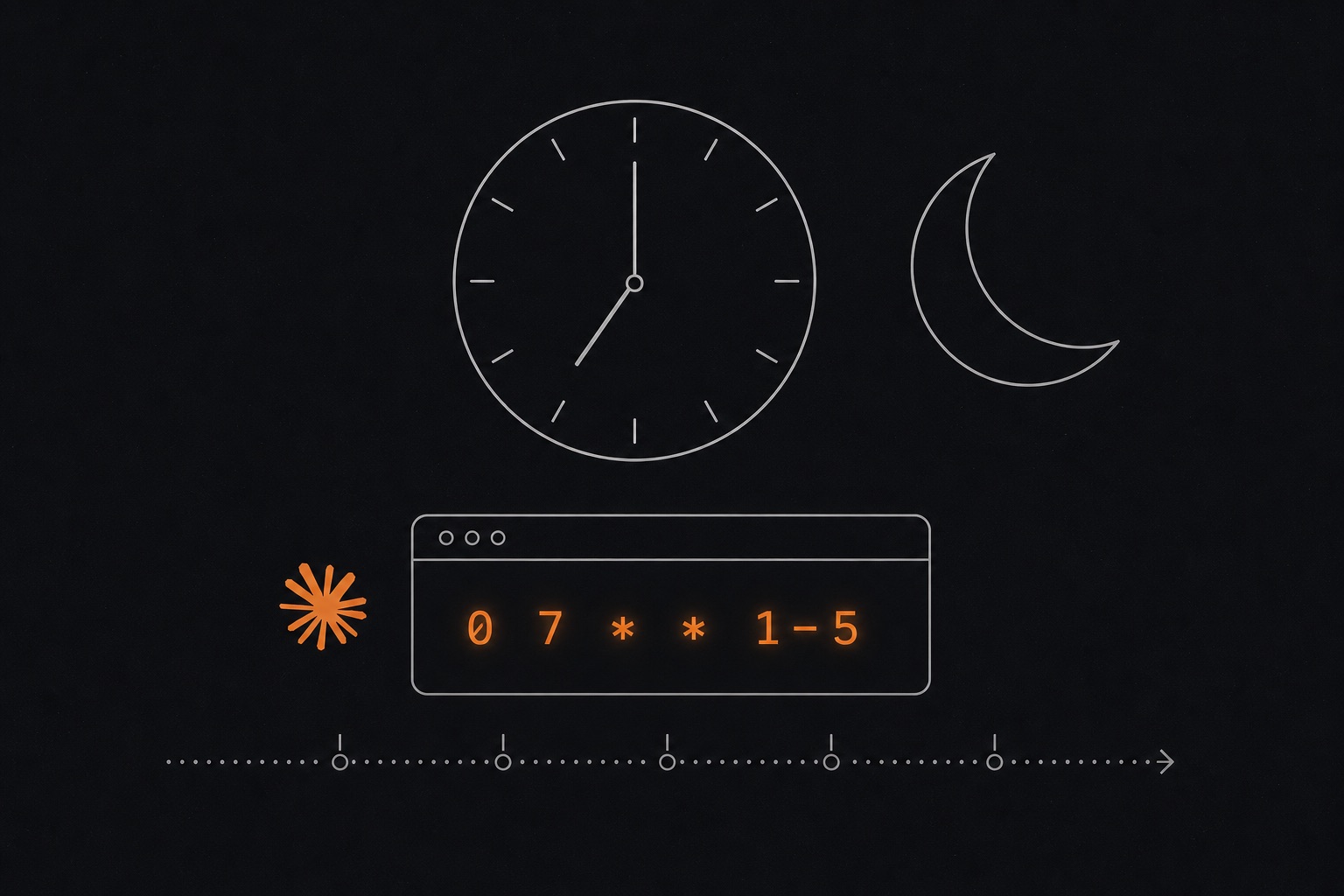
A timer fires the agent. Two ways in. DIY: cron runs headless Claude Code with claude -p and logs the output, all on your machine. Managed: type /schedule inside Claude Code and describe the cadence in plain English. That creates a Routine, a full cloud session running on Anthropic's servers, so it fires even when your laptop is shut. A schedule can't react to anything though. That's level 3.
# DIY — crontab entry, every weekday at 7am
0 7 * * 1-5  claude -p "Read yesterday's numbers and Slack me the summary" >> ~/logs/agent.log

# Managed — type this inside Claude Code, runs in Anthropic's cloud
/schedule daily at 7am, read yesterday's numbers and email me the summary
03
Level 3: a trigger wakes it up
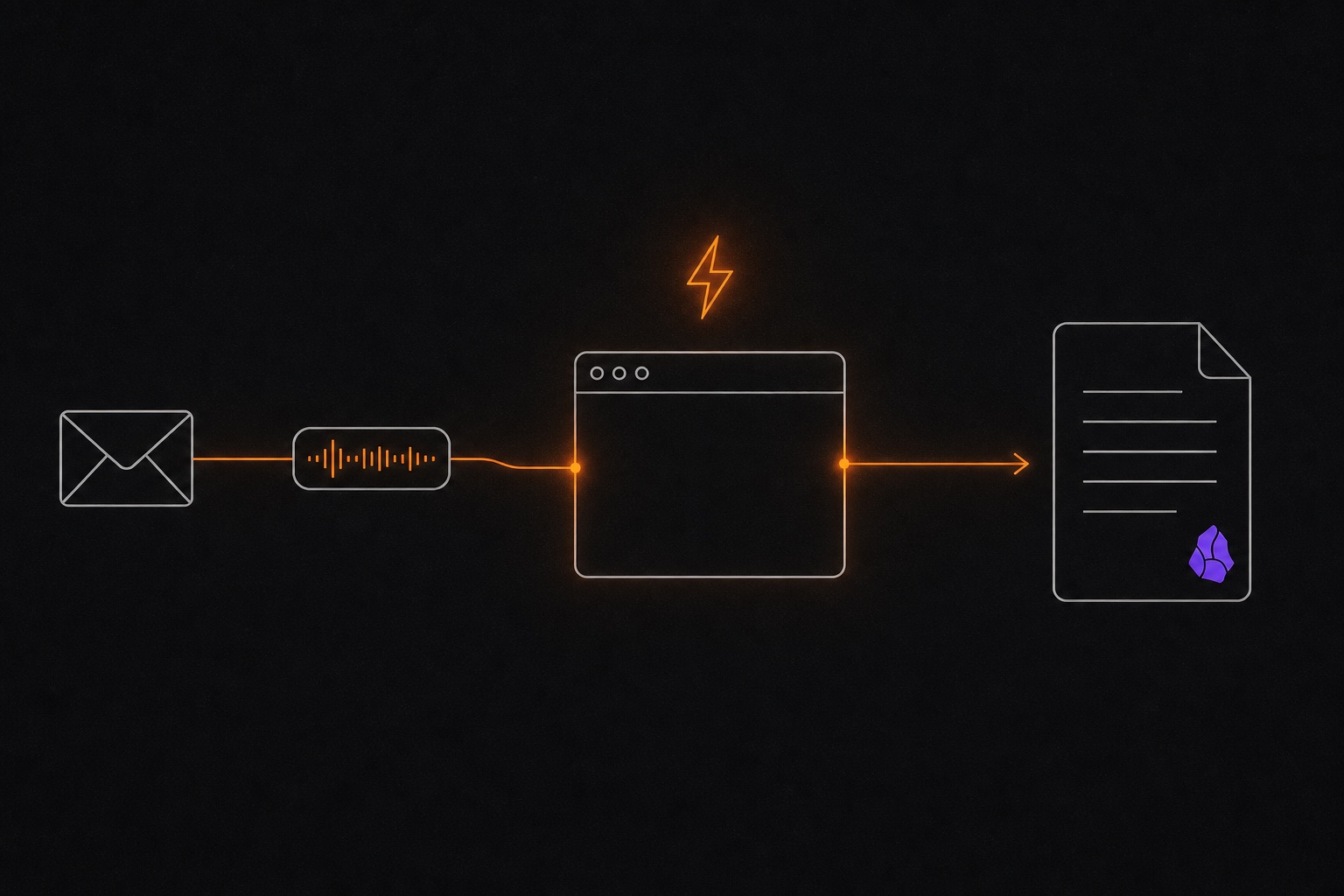
An email lands, a transcript drops, a webhook fires, and the agent runs with that context the moment it happens. No SDK, no framework. The whole trick is a small watcher script that notices the event and calls the same headless claude -p from level 2. My meeting notes run exactly this way: a script sees a transcript land in a folder, hands it to Claude Code to read and decide what matters, and the notes file themselves into my Obsidian vault before I'm back at my desk.
# watcher.sh — run the agent on every new transcript (brew install fswatch first)
fswatch -0 ~/Downloads/transcripts | while read -d "" f; do
  claude -p "Read '$f', pull out the decisions and action items, save notes to ~/notes"
done

# can't write shell? paste this into Claude Code and it builds the watcher for you:
# "Build me a watcher script that runs claude -p on every new file in
#  ~/Downloads/transcripts and files summary notes into ~/notes.
#  Make it executable and test it."
04
Level 4: it never stops watching
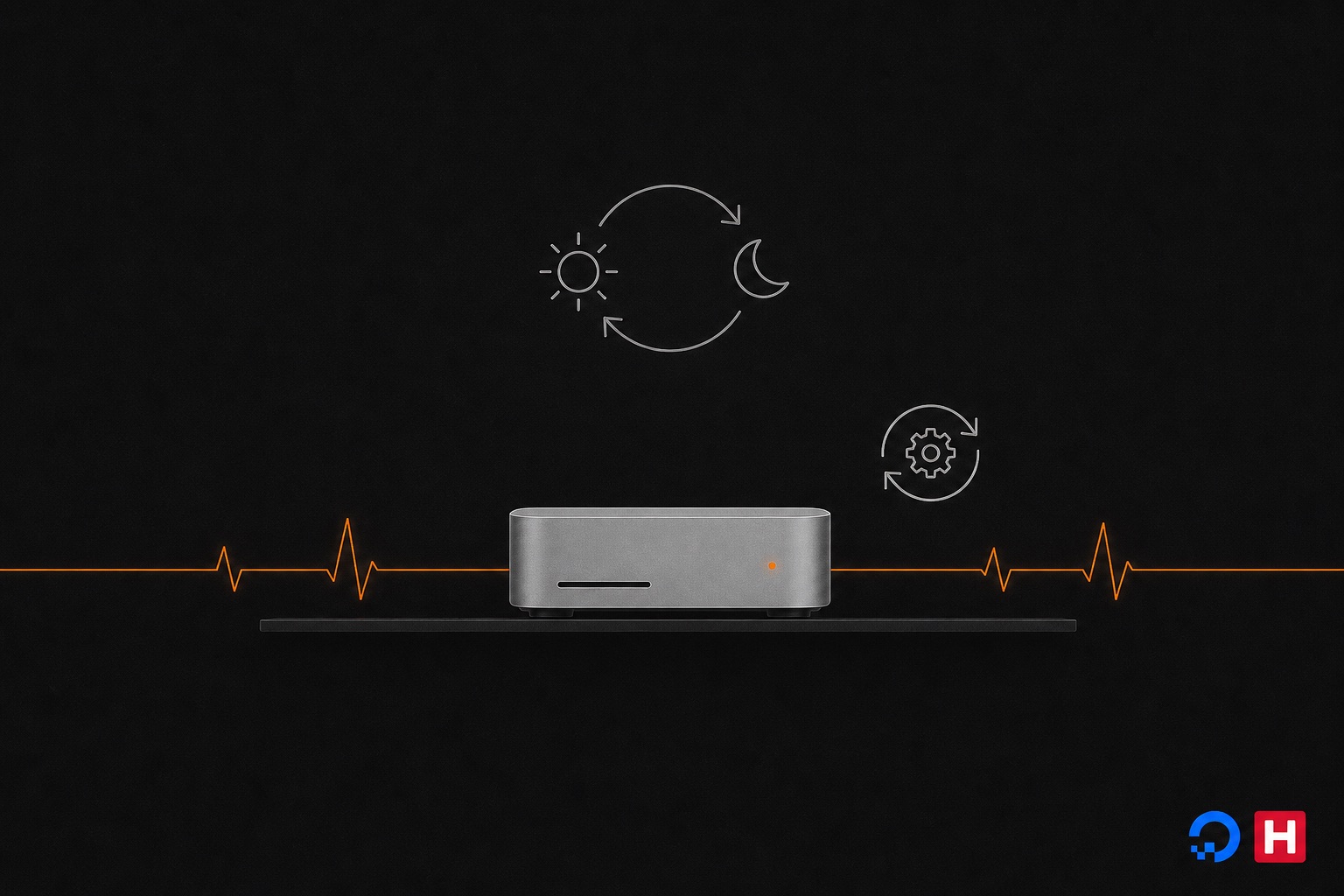
Take the level 3 watcher and keep the process alive permanently. A supervisor (launchd on mac, systemd on Linux) restarts it after crashes and reboots, on a $24-a-month VPS or a spare mac mini. This is the exact architecture OpenClaw ships, the open-source assistant with 68K+ GitHub stars: one daemon that wakes on five triggers (a DM, a cron tick, a webhook, a file event, a 30-minute heartbeat) and talks to you over WhatsApp or Telegram. You don't need OpenClaw to copy the pattern. Load your agent with the MCP servers it needs (Slack, calendar, your vault) so it has hands, and gate anything irreversible, like sending email or spending money, behind your approval.
# paste into Claude Code on the machine that will run it:
"Create a launchd service that runs my watcher.sh every 5 minutes,
 restarts it if it dies, and logs to ~/logs/agent.log. Load it and
 verify it's running."

# linux box? same prompt, say systemd instead of launchd.
05
Level 5: agents managing agents
One orchestrator splits the work and hands pieces to specialist subagents, each with a narrow job, its own context window, and only the tools it needs. In Claude Code a specialist is one markdown file in .claude/agents/. Anthropic calls this pattern orchestrator-workers, and their research on it keeps landing on the same finding: the teams that succeed use simple composable patterns and validate a single agent before splitting into many. The level everyone grabs first is the one that punishes you hardest for skipping levels 1 through 4.
# .claude/agents/researcher.md — a specialist the orchestrator can call
---
name: researcher
description: Deep-dives one topic and returns a sourced summary
tools: WebSearch, Read
---
Research the topic you're given. Return findings with source links,
a confidence label per claim, and a list of what you didn't check.
06
The folder structure underneath all 5
Every level reads the same workspace, and this is the part most guides skip. CLAUDE.md holds the facts your agent needs every session: stack, conventions, the commands it should run. Skills hold procedures, agents hold specialists, hooks hold scripts that fire on events. One file, one job. OpenClaw enforces the same discipline under different names (SOUL.md for personality, AGENTS.md for rules, MEMORY.md for what it's learned), and their docs are blunt that mixing concerns across files degrades the agent. Steal this shape even if you never automate anything.
my-agent/
├── CLAUDE.md            # facts loaded every session — keep it lean
└── .claude/
    ├── skills/          # procedures ("how I do X"), one folder per skill
    │   └── weekly-report/SKILL.md
    ├── agents/          # level 5 specialists, one .md per agent
    ├── hooks/           # scripts that fire on events
    └── settings.json    # permissions + hook wiring
07
The 2 skill design rules
Rule 1: the description is the interface. Claude picks skills by reading descriptions, so write yours as the situation where the skill applies and the agent will trigger it without being asked. Rule 2: progressive disclosure. Keep SKILL.md short and push the bulk (docs, examples, data) into a references/ folder next to it, which loads only if the agent actually opens it. That's how a skill library grows without eating your context window. Start with 2 or 3 skills for tasks you already repeat weekly, and read anything from a marketplace before installing it. One audit found prompt injection in roughly a third of public skills.
# weak — Claude will never auto-trigger this
description: Helper for reports

# strong — reads like the moment it's needed
description: Pull this week's Stripe numbers, support inbox and
  analytics, then draft my Monday update in my voice